
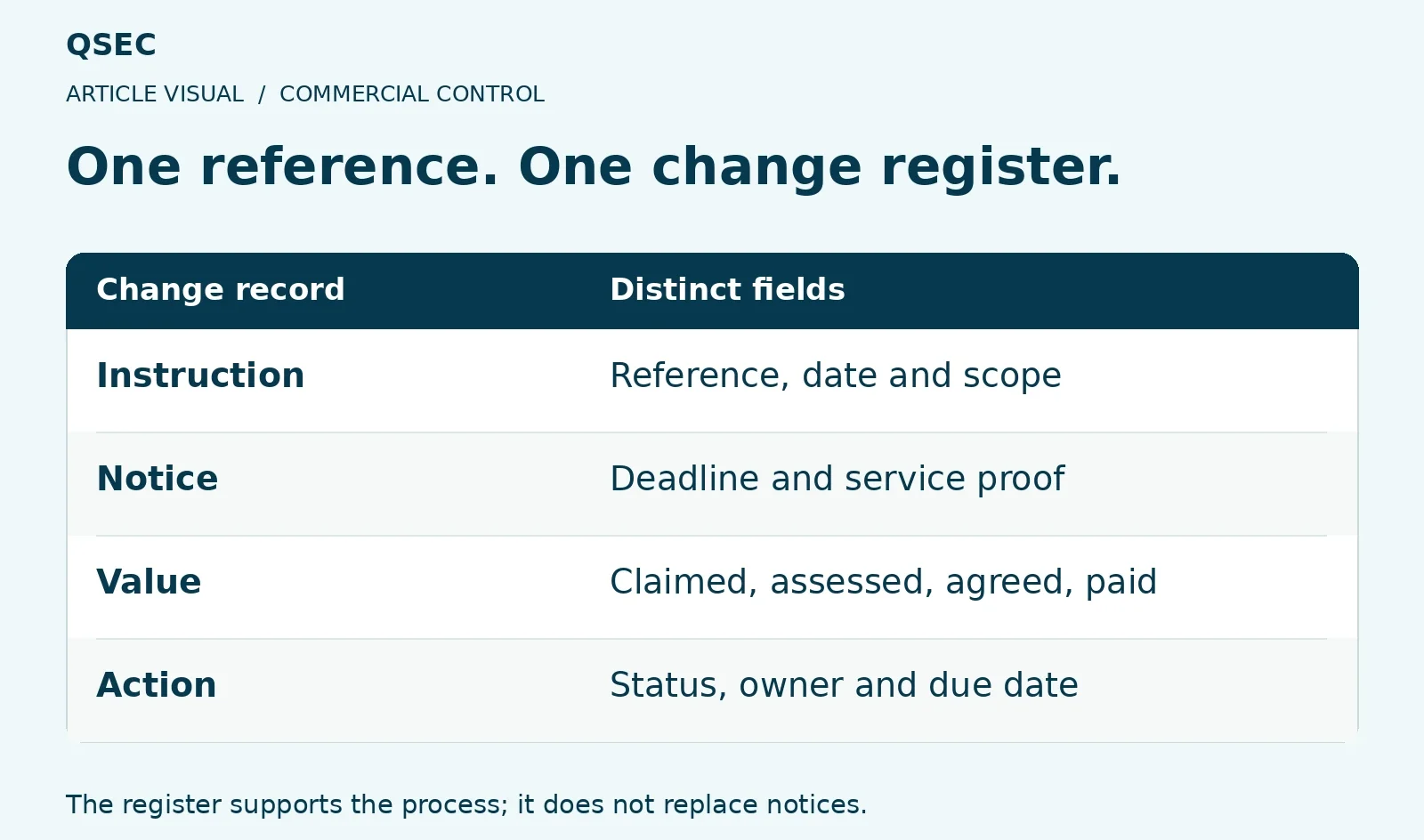
The site may call it Change 12 while the QS calls it VO 8. One shared reference links the scope, notices, price and next step so the team can trace the same event.
Does your change register distinguish a quote from an agreed value?
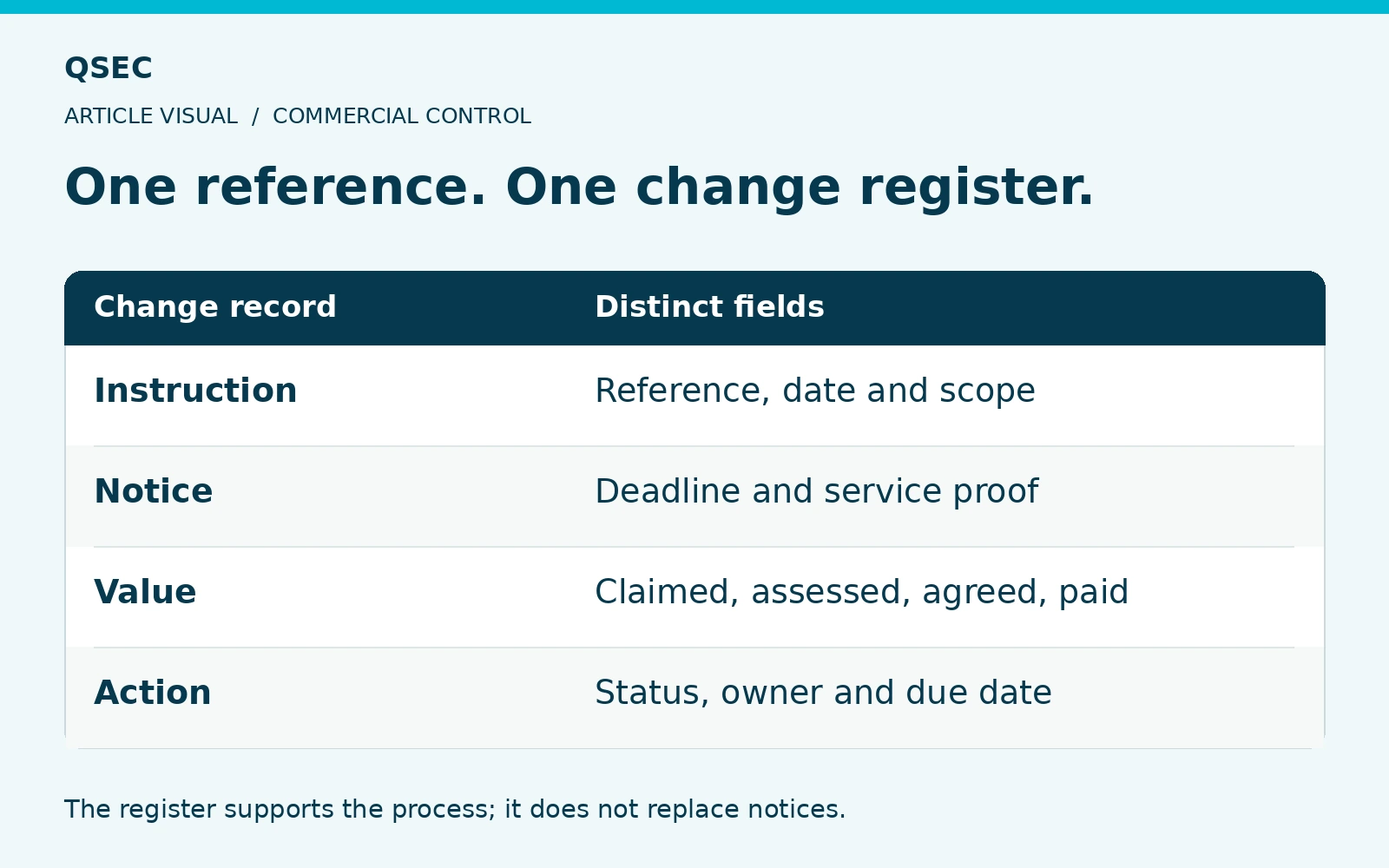
Choose Fields For Your Construction Variation Register
Give each change a code, title and owner. Link the cause, instruction, notices, work dates and trades.
Show claimed, assessed, agreed and forecast sums apart. Add time effects, the next action and its due date.
Define Each Status
An instruction is not an agreed price. A quote sent is not money paid. Agree what each stage means so everyone reads the register the same way.
Keep the claimed value when a lower assessment arrives. The team needs both figures to show the gap and test the forecast.
An instruction is logged. Which commercial stage has the change reached?
- Claimed
The amount submitted with its basis.
- Assessed or agreed
Record the response and agreed sum separately.
- Forecast and payment
Keep expected cost and cash status visible.
Use separate status fields so the forecast and payment claim do not assume agreement that has not happened.
Review What Needs Action
Focus on older items, larger risks and dates close to expiry. Check the register against claims, trade orders and cost reports each month.
Keep rejected items with the reason and maintain the source trail. The register helps control the work, but does not replace notices served under the terms.
General guidance. Check your signed contract and the job facts. Get legal advice where needed.