
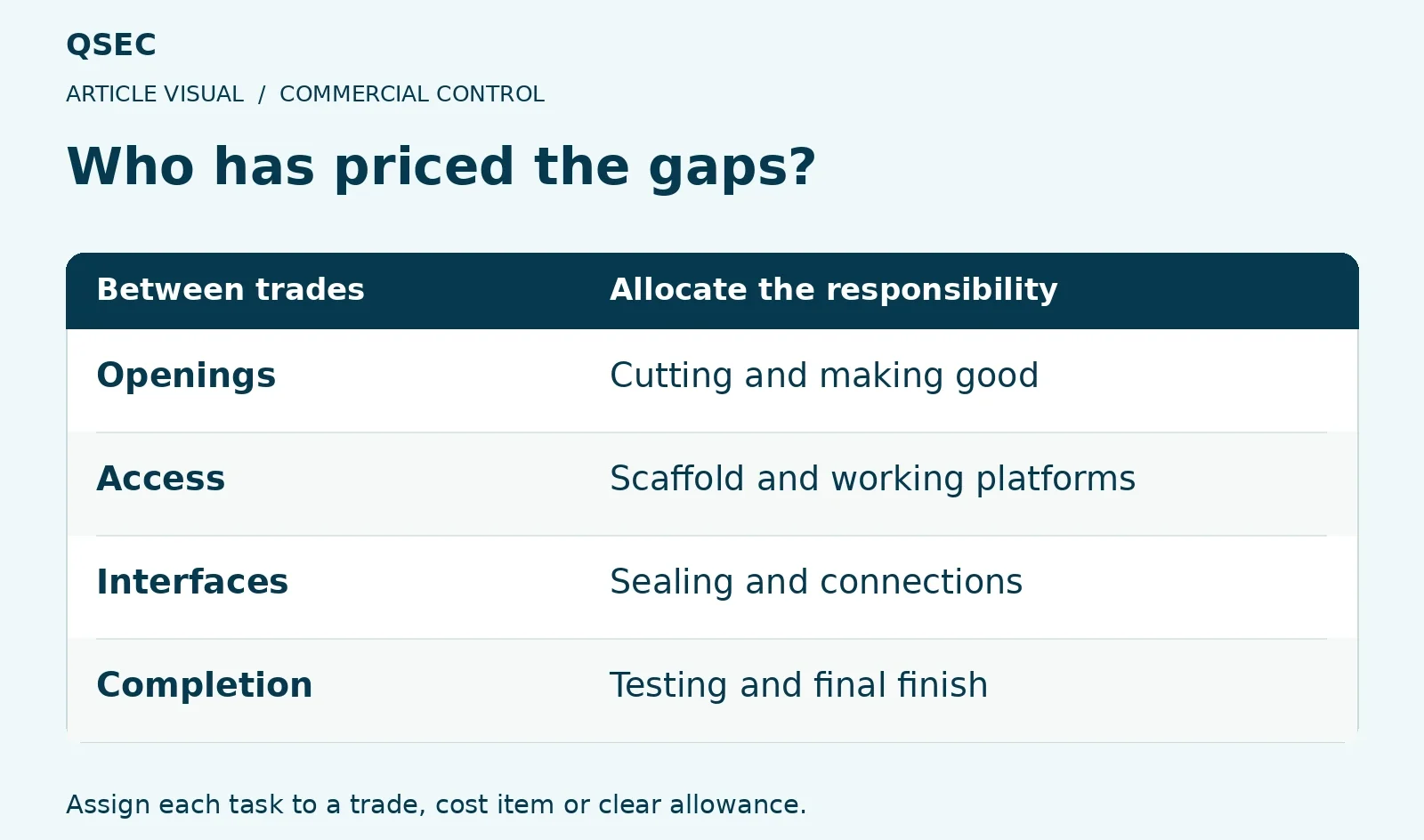
Scope gaps often sit between trades. Each quote may cover the main work while leaving access, sealing or making good for someone else. Check those boundaries before the price goes out.
A small scope gap can become a paid extra. Who has priced it?
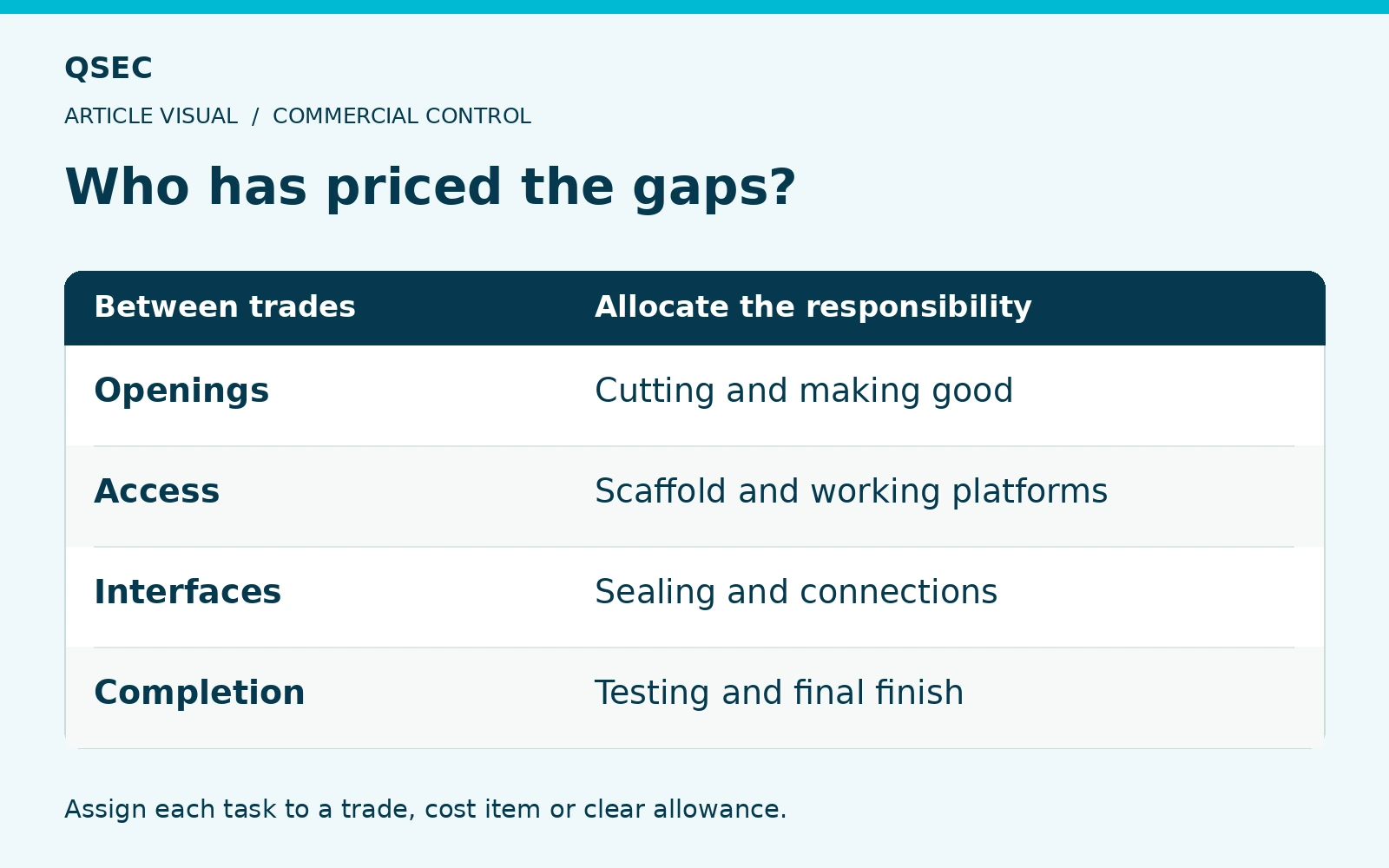
Define Your Construction Estimating Scope
Read the plans, specification and schedules together. Link each task to its quote or measured item and show what remains unpriced.
Check temporary works, design, access and the work needed at handover. Tasks that help a trade finish its package still need a place in the price.
Read The Quote Boundaries
Compare offers against one scope and ask about unclear items. Keep each reply with the price it changes.
For example, a service trade may exclude cutting and sealing holes. Check who prices each task and the standard needed, rather than assume the wall trade covers it.
The main packages look complete. What happens at their edges?
- Make the opening
Identify who cuts or forms it.
- Seal the opening
Define fire, air and weather requirements.
- Make good
Include the finish and access needed.
Name the trade and cost owner for each interface so the work appears once in the tender.
Check Area And Sequence
Review the work by room, trade and build order. This can reveal gaps that a list of totals will not show.
Log plans and late changes and send them to affected trades. If tender files conflict, ask through the stated route and keep the priced basis clear.
Keep a dated copy of each quote and reply so the site team can see what was priced.
General guidance. Check your signed contract and the job facts. Get legal advice where needed.